Chapter 20 Physical Security
1. Physical Security
1.2. Prevention Methods
Audio
Transcript
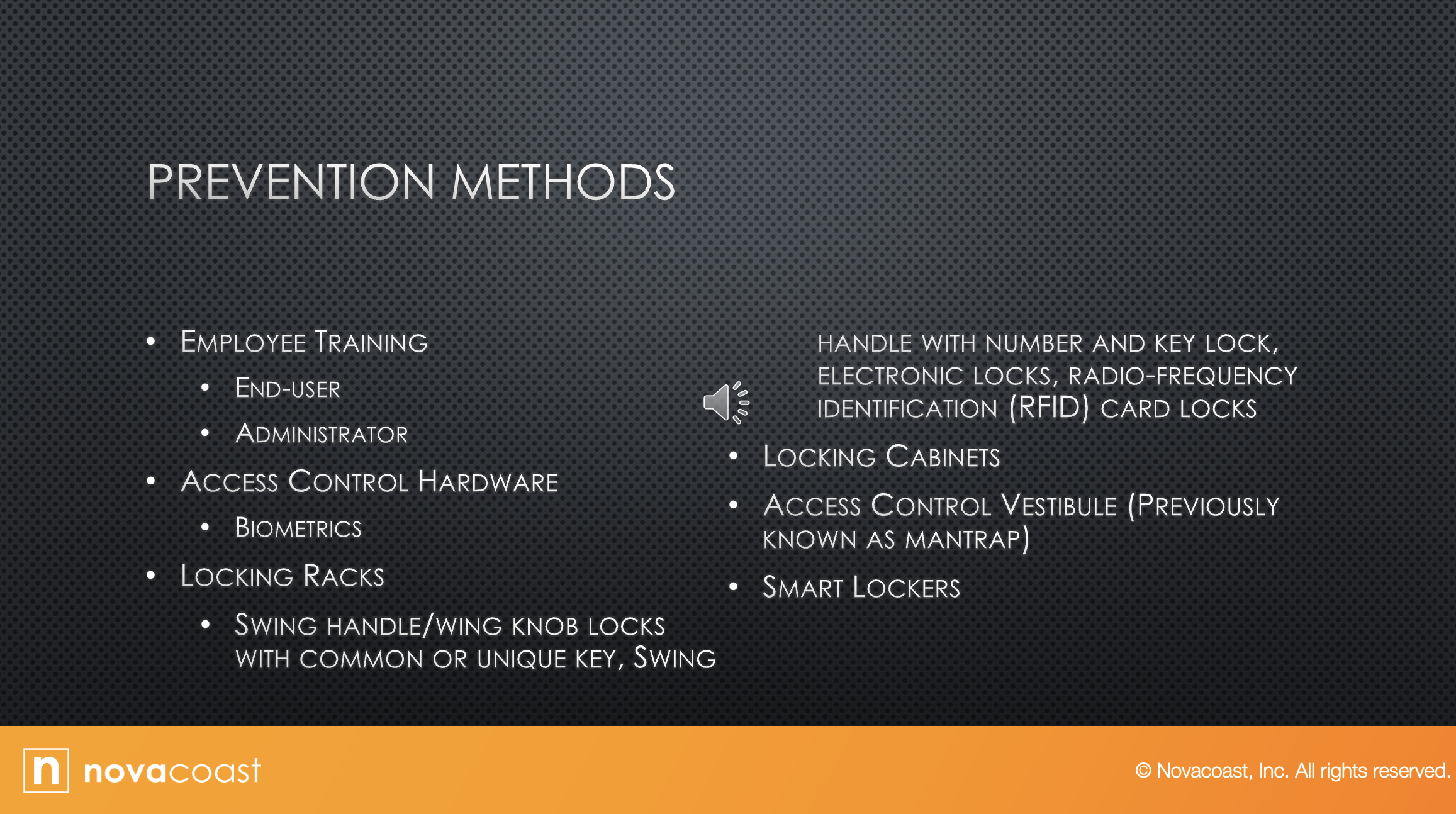
So, let's discuss some Prevention Methods.
The first one is employee training.
Anytime you have security you want the biggest thing to be training your team.
So, if you want to have good cyber security, you need to train them.
So, end user training is one thing they discussed.
It doesn't need to be long.
Short and simple as what that recommend policies for creating safe passwords.
Go over that with your employees, the numbers to call if they lock themselves out of their accounts.
What to do if they think someone is phishing for information, what to do if they think their computer has a virus.
That type of end user training.
Things like paying attention to your area.
If you see somebody that doesn't belong, what do you do?
Who do you call? Ghostbusters.
But you need to train your employees.
They're not going to think about those type of things.
Administrator training is different.
So that's more in detail.
You want to cover every aspect of security policy with administrators and because they're good, the ones that are going to pass it down to the end user employee.
Then access control to hardware:
Biometrics is something that can be used.
So, we talked about this when we talked about multi-factor.
Biometrics can be like your fingerprints, your retina, things like that.
Those are all biometrics, something that you have.
So maybe a fingerprint is needed along with something else to enter our room. Something like that.
Locking racks: Rack is basically the cage that your switches or servers or things are in.
So, some things are a swing handle with wing knobs that lock with common or unique keys.
So having a key to unlock the handle on the case, or swing handle with number and key lock.
Or electronic locks, radio frequency cards.
If you've been to a hotel lately, you just hold your car up to the door and the door unlocks, and then you turn the handle.
That handle is called a swing handle.
So those type of handles, you can use a number pad and a key lock.
You can use electronic locks.
I've been in a lot of buildings where we have electronic locks, and you can access them through a code or through an app on your phone, or somebody has to access them to let you in.
So you would walk up and hit an intercom and say “David here for work” and then the security guard would pop the electronic lock and let you in.
And then RFID card locking cabinets:
So that can be the cabinet on the computer.
You can have locks on those file cabinets, all those things.
Any type of cabinet can have a lock on it, just control.
Why would you want locking file cabinets?
Well, if you have all your documentation, you probably don't like the bad guys looking through all that so lock it.
An access control vestibule, previously known as a mantrap:
That is when you walk into one door, and that sits behind you, and there's another door that you need to be let in to get into where you're actually trying to go.
That that area is known as a man trap.
Basically, you're trapped in there, and if you don't belong in there, then you're going to be left in there till security or the cops can get to you in that.
Smart lockers:
Smart lockers comprise a new storage locker option that's come around the last decade or so.
A smart lock is an electromechanical lock that's designed to perform locking and unlocking operations, on the door when it receives instructions from an authorized device, using a wireless protocol and a cryptographic key to execute the process with smart locks.
Lockers can be assigned on the fly, reset, audited, and reassigned using simple desktop or mobile software.
So, think of the door with a lock on it, and you have to use an app on your phone to get into the door, whether you put a password into it or it uses 2-factor authentication, whatever.
But those are smart locks.
That can be used to lock things.
It can be doors or whatever else you want to lock.