Chapter 20 Physical Security
| Site: | ApexMoodle |
| Course: | Audit |
| Book: | Chapter 20 Physical Security |
| Printed by: | Guest user |
| Date: | Saturday, 21 March 2026, 10:29 PM |
1. Physical Security
Audio
Transcript
So, let's talk about physical security.
1.1. Detection Methods
Audio
Transcript
So, let's talk about detection methods.
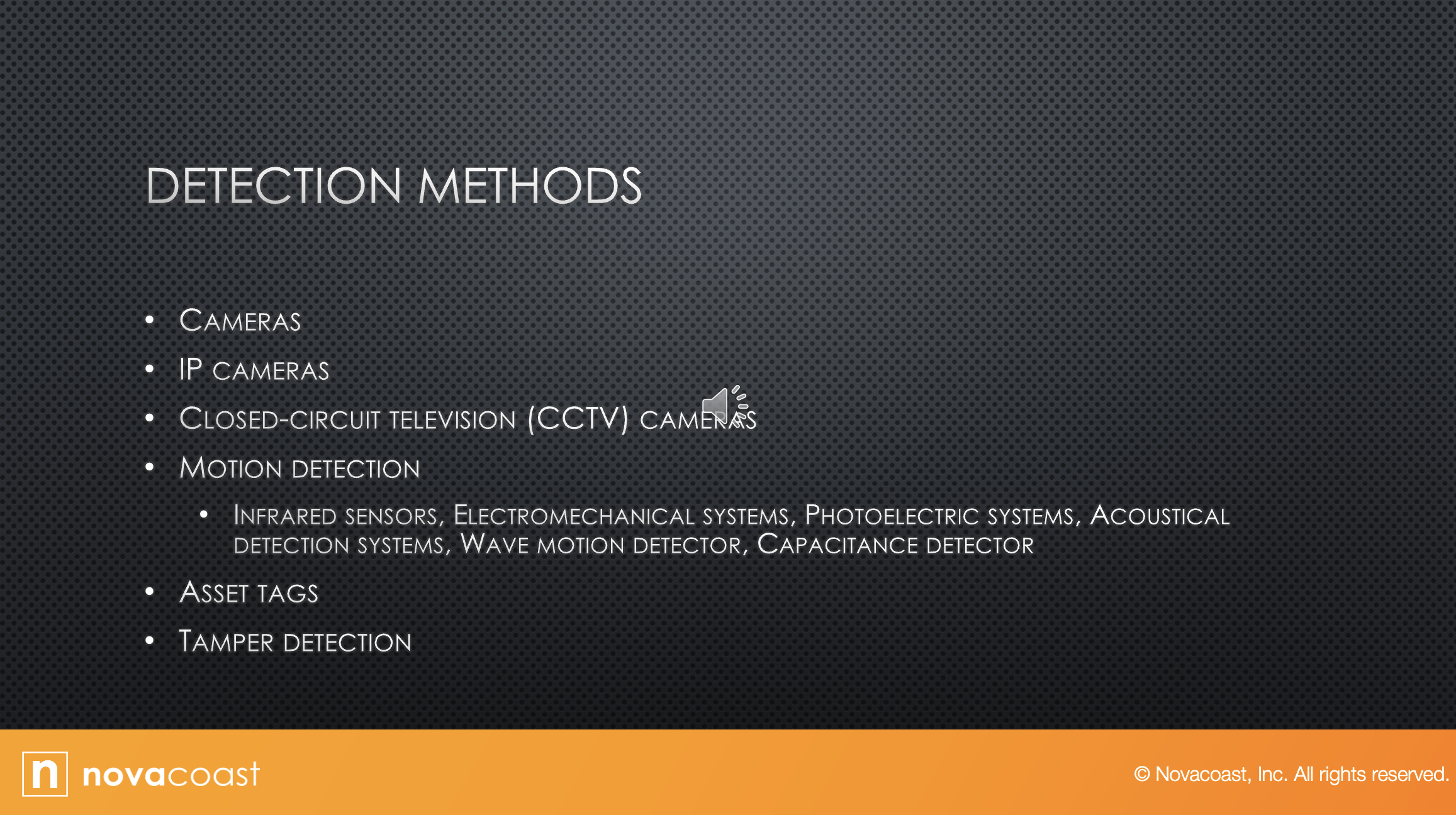
Cameras:
You want cameras in any high security scenarios that are can be visually monitoring the area 24 hours a day.
It makes sense to deploy video monitoring as well.
So, if you have cameras up, you might as well have somebody monitoring that.
And then you can use IP cameras, which are cameras that use an IP address.
They can send the signal out digitally throughout the facility.
Or you can use CCTV cameras which are closed circuit cameras.
That image does not come through an IP address but will go directly to the monitor or to whatever system is there capturing that.
It can be converted to be used into an IP system, but that's not how it transmits.
Then motion detection.
Ways for motion detection:
Infrared sensors identify changes in heat waves in the area and the presence of an intruders would raise the temperature of the surrounding area.
Electromechanical systems operate by detecting a break in an electrical circuit.
So, think of a door that has a sensor on the door and a sensor on the frame, and when you open that door up, it breaks that connection.
That is electrical.
An electromechanical system:
Security tape on a window, or the same type of sensors on the window.
Photo electric systems operate by detecting changes in the light and thus are used in windowless areas.
Sends a beam of light across the area, and if the beam is interrupted, the alarm is triggered.
Acoustical detection system is sound, so it listens for sounds.
You need it in a quiet area.
A lot of times server rooms aren't quiet, whether it be the air conditioning or the servers themselves.
You need that in a quiet area.
Maybe a switch room that doesn't have a server in it, something like that.
Wave motion detection:
These devices generate a wave pattern in the area and detect any motion that disturbs that wave pattern.
And then capacitance detection:
This device emits a magnetic field.
So, whenever somebody walks in, it changes that magnetic field.
It breaks that.
So that is capacitance detection.
Then you can also use asset tags.
Basically, that's any kind of label that you put on a device that say what it is, serial number, however, you're assigning that.
Maybe you have records that have a number from the computer, and then you have the serial number and all that.
So, you put a tag on the computer, it says, “Property of David Mayne,” and at this is computer 1234, acquired on this date, et cetera, whatever information you want to tag.
But it can be as little as a sticky strip that sticks to it and tags it.
And then tamper detection.
That is something that you can set up in the BIOS for the UEFI on the motherboard and that basically will let you know if somebody has tampered with the chassis, the case.
If they've tried to open it, or if they if they've taken the lid off of the box to go in and tamper with the computer.
1.2. Prevention Methods
Audio
Transcript
So, let's discuss some Prevention Methods.
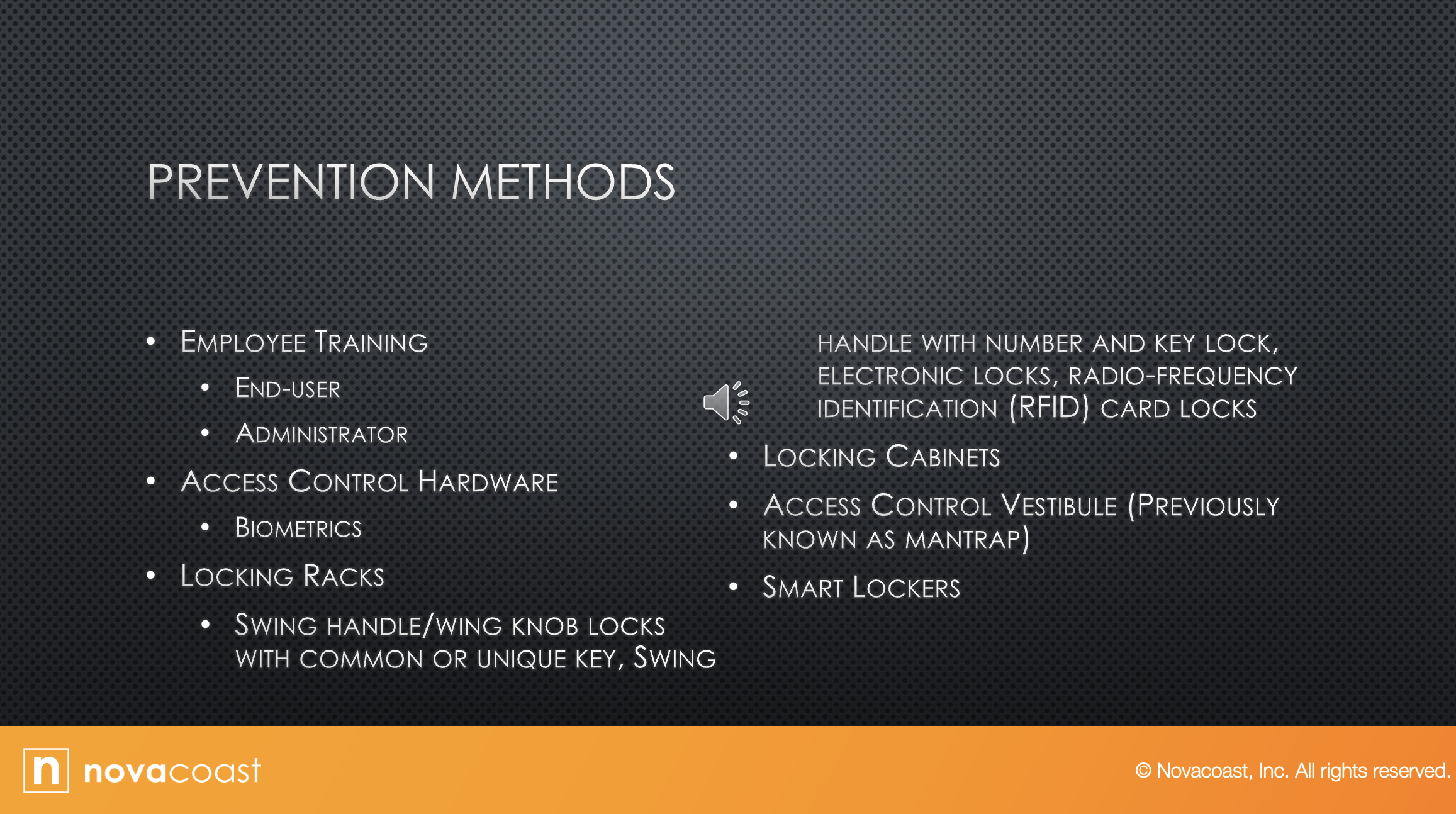
The first one is employee training.
Anytime you have security you want the biggest thing to be training your team.
So, if you want to have good cyber security, you need to train them.
So, end user training is one thing they discussed.
It doesn't need to be long.
Short and simple as what that recommend policies for creating safe passwords.
Go over that with your employees, the numbers to call if they lock themselves out of their accounts.
What to do if they think someone is phishing for information, what to do if they think their computer has a virus.
That type of end user training.
Things like paying attention to your area.
If you see somebody that doesn't belong, what do you do?
Who do you call? Ghostbusters.
But you need to train your employees.
They're not going to think about those type of things.
Administrator training is different.
So that's more in detail.
You want to cover every aspect of security policy with administrators and because they're good, the ones that are going to pass it down to the end user employee.
Then access control to hardware:
Biometrics is something that can be used.
So, we talked about this when we talked about multi-factor.
Biometrics can be like your fingerprints, your retina, things like that.
Those are all biometrics, something that you have.
So maybe a fingerprint is needed along with something else to enter our room. Something like that.
Locking racks: Rack is basically the cage that your switches or servers or things are in.
So, some things are a swing handle with wing knobs that lock with common or unique keys.
So having a key to unlock the handle on the case, or swing handle with number and key lock.
Or electronic locks, radio frequency cards.
If you've been to a hotel lately, you just hold your car up to the door and the door unlocks, and then you turn the handle.
That handle is called a swing handle.
So those type of handles, you can use a number pad and a key lock.
You can use electronic locks.
I've been in a lot of buildings where we have electronic locks, and you can access them through a code or through an app on your phone, or somebody has to access them to let you in.
So you would walk up and hit an intercom and say “David here for work” and then the security guard would pop the electronic lock and let you in.
And then RFID card locking cabinets:
So that can be the cabinet on the computer.
You can have locks on those file cabinets, all those things.
Any type of cabinet can have a lock on it, just control.
Why would you want locking file cabinets?
Well, if you have all your documentation, you probably don't like the bad guys looking through all that so lock it.
An access control vestibule, previously known as a mantrap:
That is when you walk into one door, and that sits behind you, and there's another door that you need to be let in to get into where you're actually trying to go.
That that area is known as a man trap.
Basically, you're trapped in there, and if you don't belong in there, then you're going to be left in there till security or the cops can get to you in that.
Smart lockers:
Smart lockers comprise a new storage locker option that's come around the last decade or so.
A smart lock is an electromechanical lock that's designed to perform locking and unlocking operations, on the door when it receives instructions from an authorized device, using a wireless protocol and a cryptographic key to execute the process with smart locks.
Lockers can be assigned on the fly, reset, audited, and reassigned using simple desktop or mobile software.
So, think of the door with a lock on it, and you have to use an app on your phone to get into the door, whether you put a password into it or it uses 2-factor authentication, whatever.
But those are smart locks.
That can be used to lock things.
It can be doors or whatever else you want to lock.
1.3. Asset Disposal
Audio
Transcript
So, let's talk about asset disposal.
Computers, servers, whatever.
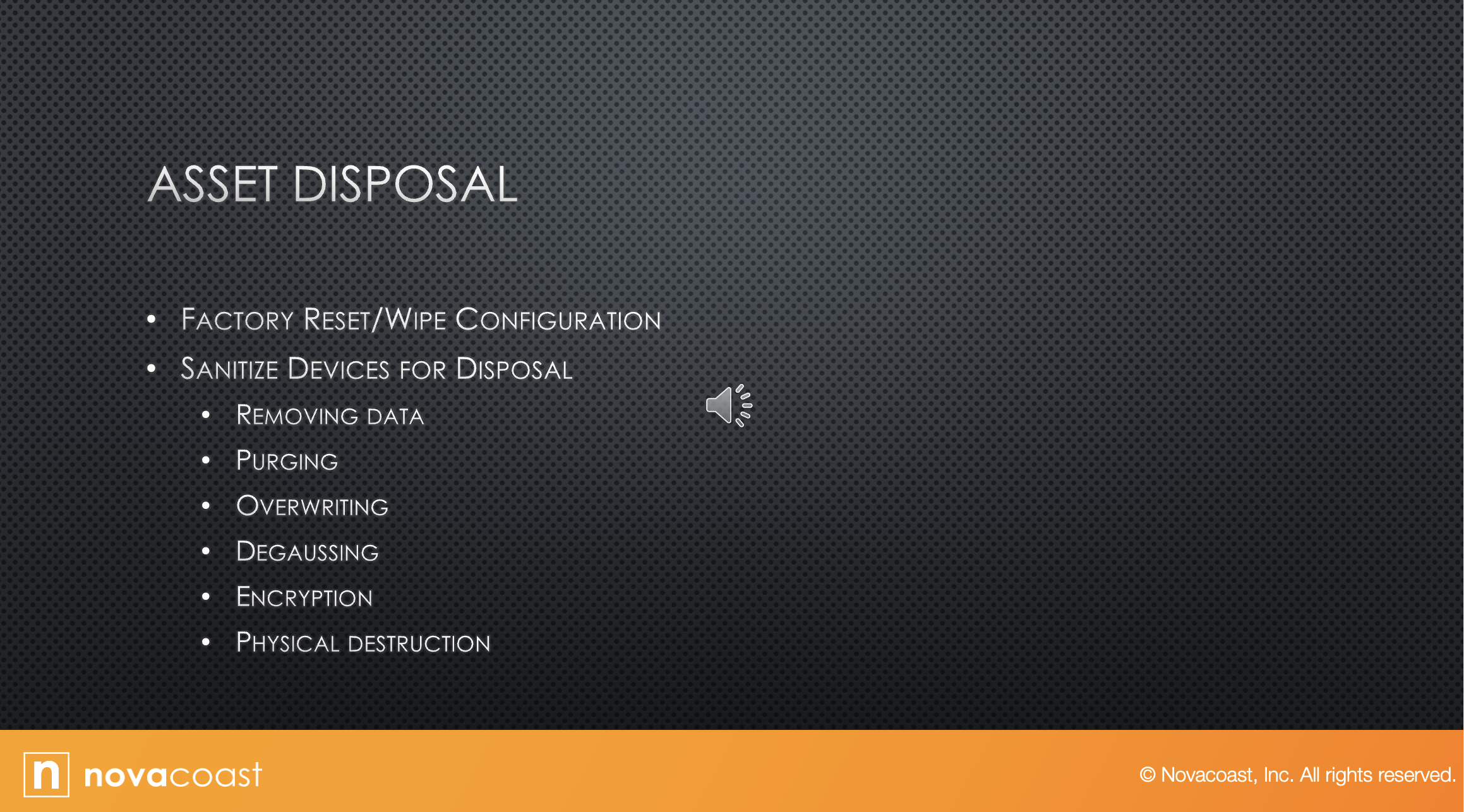
The first thing you want to do is factory reset and wipe all the configuration settings.
There's actually a whole industry of companies that will do asset disposal for you, I guess, but I would never use them without at least doing the factory reset and wiping all the configuration first.
But there are companies where you can just send them the computer as is, and they'll do all that for you.
To me, that's just not a good security practice, but it's out there.
And then you can sanitize your devices for disposal.
By removing data, you wipe out any data you have on it.
Then purging, also referred to sanitation, makes the data unreadable, even with the advanced forensic techniques.
With this technique, data should be unrecoverable.
So back in the old days, when we wanted to make a hard drive unrecoverable, we would format it, but we will reformat it a minimum of seven times to try to wipe out data.
And I know there used to be software out there where you would plug in a disk and it would reformat the hard drive 100 hundred times, but that's the type of purging.
And then overriding is a technique that writes data patterns over the entire media, thereby eliminating any trace data.
So basically, you're overriding the whole disk in case you missed something in case there's some trace.
So think of it as it's a disk, and you're just basically covering it with gibberish.
But you're overriding it, degaussing, exposing the media to powerful alternating magnetic fields, removing any previously written data, and leaving the medium magnetically randomized state, meaning blank.
So degaussing is basically just running a magnet over, strong enough magnet over it to wipe it.
You can do that to hard drives pretty easily.
You should be able to do that to even cassette tapes, where you could decode them -- that tells how old I am.
But anyway, and then encryption:
Encryption is really good.
It scrambles the data on the media, thereby rendering it unreadable without the key.
So, you can put encryption on your whole hard drive.
I don't recommend this unless you're in a network and somebody has that encryption key beside you.
I've seen too many users at home think that they're going to be all super secure and that they are going to encrypt their hard drive.
And then three months later they forget the key, they forget the password, or whatever, and they're screwed.
The only thing you can do is reformat that hard drive, because without that encryption key, you're never getting that open, and the average bear, even advanced technical people aren't guessing encryption keys.
So then physical destruction involves physically breaking the media apart or chemically altering it.
So doing something to physically destroy the media.
Hard drive is just a layer of disks inside of it.
So, if you open that up or smash it with a sledge, that physical destruction can destroy that media so it can't be used again.
Or chemical.
Open it up and pour something in there that's going to destroy it.
So, physical destruction.
2. Exam Essentials
Audio
Transcript
So, let's move to the exam essential screen.
So, let's cover that real quick.
Explain detection methods.
Describe common prevention methods.
Identify asset disposal issues.
3. Review Questions
Audio
Transcript
No Transcript