
Chapter 20 Physical Security
1. Physical Security
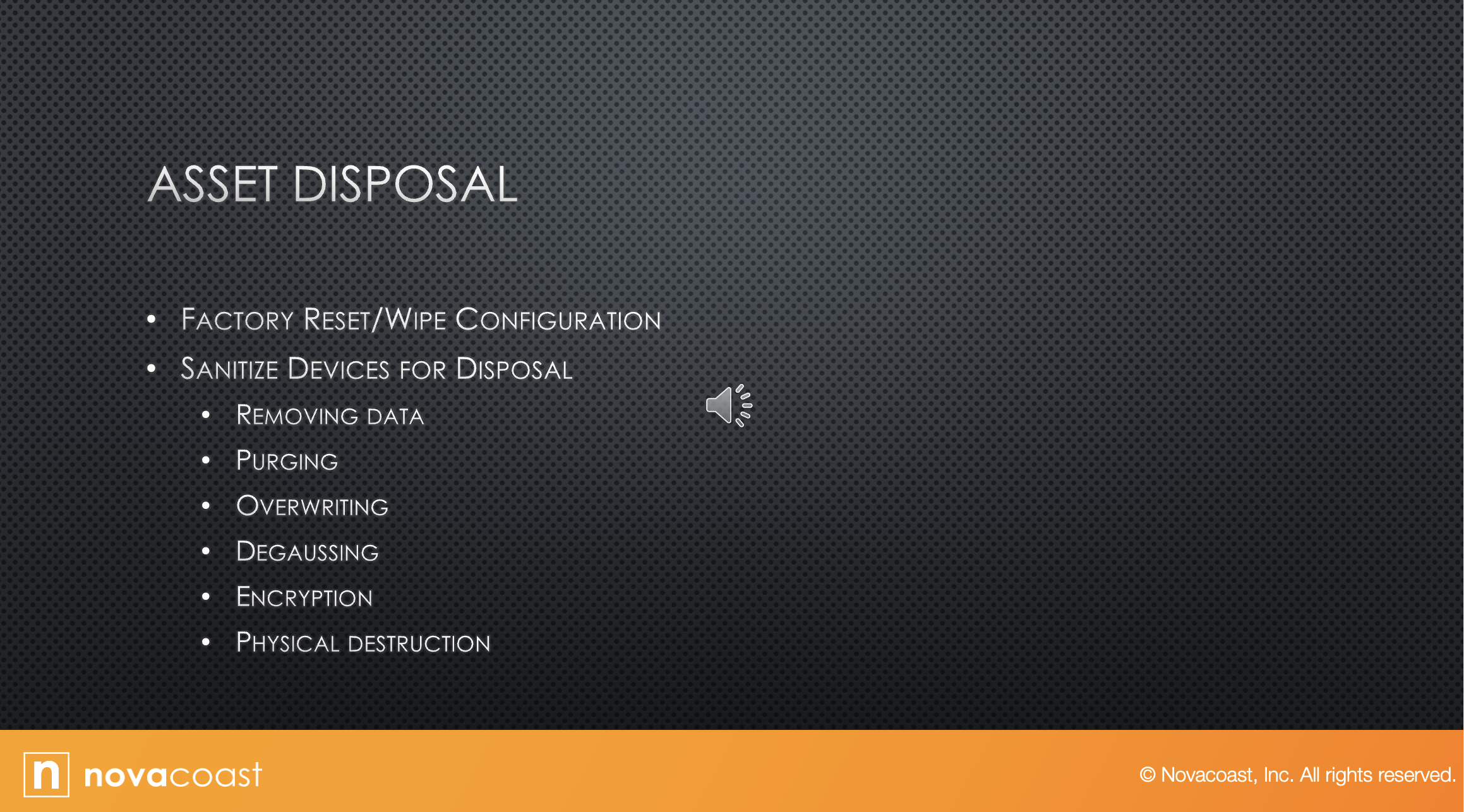
1.3. Asset Disposal
Audio
Transcript
So, let's talk about asset disposal.
Computers, servers, whatever.
The first thing you want to do is factory reset and wipe all the configuration settings.
There's actually a whole industry of companies that will do asset disposal for you, I guess, but I would never use them without at least doing the factory reset and wiping all the configuration first.
But there are companies where you can just send them the computer as is, and they'll do all that for you.
To me, that's just not a good security practice, but it's out there.
And then you can sanitize your devices for disposal.
By removing data, you wipe out any data you have on it.
Then purging, also referred to sanitation, makes the data unreadable, even with the advanced forensic techniques.
With this technique, data should be unrecoverable.
So back in the old days, when we wanted to make a hard drive unrecoverable, we would format it, but we will reformat it a minimum of seven times to try to wipe out data.
And I know there used to be software out there where you would plug in a disk and it would reformat the hard drive 100 hundred times, but that's the type of purging.
And then overriding is a technique that writes data patterns over the entire media, thereby eliminating any trace data.
So basically, you're overriding the whole disk in case you missed something in case there's some trace.
So think of it as it's a disk, and you're just basically covering it with gibberish.
But you're overriding it, degaussing, exposing the media to powerful alternating magnetic fields, removing any previously written data, and leaving the medium magnetically randomized state, meaning blank.
So degaussing is basically just running a magnet over, strong enough magnet over it to wipe it.
You can do that to hard drives pretty easily.
You should be able to do that to even cassette tapes, where you could decode them -- that tells how old I am.
But anyway, and then encryption:
Encryption is really good.
It scrambles the data on the media, thereby rendering it unreadable without the key.
So, you can put encryption on your whole hard drive.
I don't recommend this unless you're in a network and somebody has that encryption key beside you.
I've seen too many users at home think that they're going to be all super secure and that they are going to encrypt their hard drive.
And then three months later they forget the key, they forget the password, or whatever, and they're screwed.
The only thing you can do is reformat that hard drive, because without that encryption key, you're never getting that open, and the average bear, even advanced technical people aren't guessing encryption keys.
So then physical destruction involves physically breaking the media apart or chemically altering it.
So doing something to physically destroy the media.
Hard drive is just a layer of disks inside of it.
So, if you open that up or smash it with a sledge, that physical destruction can destroy that media so it can't be used again.
Or chemical.
Open it up and pour something in there that's going to destroy it.
So, physical destruction.